

DVD players are disappearing from living rooms and laptops, but many of us still have shelves of discs: family videos, concert recordings, TV box sets and films bought years ago. A DVD ripper copies a disc’s video into a file you can keep on a hard drive, a media server or your phone, often in a fraction of the space. The good news is that there are excellent free tools; the paid ones are faster, easier and handle more discs. Here are the five we recommend in 2026, from a one-click converter to a lossless archiver — and an honest note on what the law allows.
Reviews Universe is reader-supported. When you buy through links on our site, we may earn an affiliate commission at no extra cost to you.
Our Top Picks
| Product | Price | Buy |
|---|---|---|
 WinX DVD Ripper Platinum Best Overall |
$59.95 lifetime | Check Price |
 Leawo DVD Ripper Best Value Lifetime License |
$39.95 lifetime | Check Price |
 AVS4YOU (AVS Video Converter) Best for Home Videos |
From $49/yr | Check Price |
HandBrake Best Free Converter |
Free | Check Price |
MakeMKV Best for Lossless Copies |
Free for DVDs | Check Price |
First: What You’re Allowed to Rip
Only rip discs you own, for your own personal use, and never rental or borrowed discs. Home-made DVDs and discs without copy protection are generally fine to copy. Most commercial movie DVDs, however, use CSS copy protection, and in the United States the Digital Millennium Copyright Act (17 U.S.C. § 1201) makes it unlawful to circumvent copy protection, with only narrow exemptions set by the Copyright Office for purposes such as education, documentary clips and preservation by libraries. Laws differ in other countries. The software makers themselves tell users to check their local laws, and this is not legal advice. Free tools like HandBrake officially work only with unprotected discs.
1. WinX DVD Ripper Platinum — Best Overall
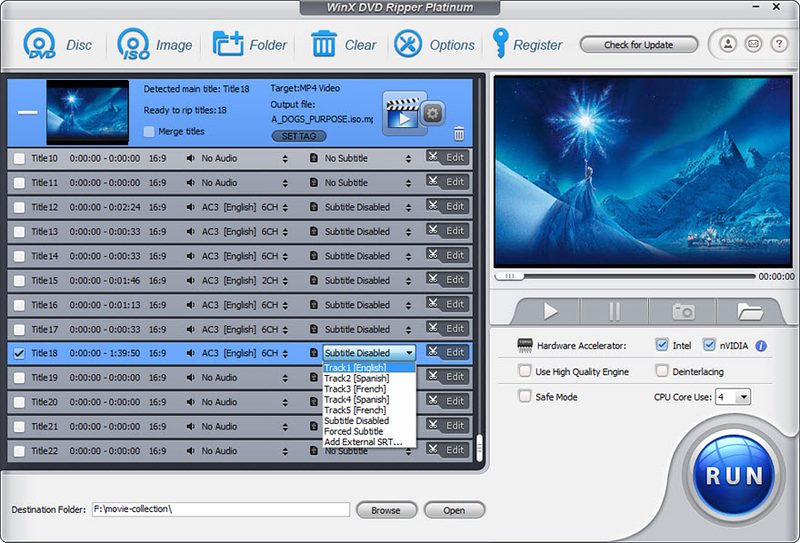
WinX DVD Ripper Platinum is the fastest and simplest way to turn a DVD into a video file. You insert a disc, it detects the main title, you pick a profile — MP4 with H.264 or HEVC, MOV, AVI, a specific iPhone, Android phone, TV or game console — and click Run. It also makes full backups as an ISO image, a DVD folder or a main-title MPEG file, accepts DVD folders and ISO files as input, and has a Safe Mode for scratched or unusual discs. It supports more than 300 output formats and profiles.
Speed is its biggest selling point. With full GPU acceleration on Intel, NVIDIA and AMD graphics, Digiarty says a full movie converts to MP4 in about five minutes on a modern PC (versus around 25 minutes without acceleration), with very low CPU load. It runs on Windows 7 through 11, and there is a separate Mac version. TechRadar rated the related WinX DVD Ripper Free Edition 4.5 out of 5, calling it a marvelous ripping tool once you get past the confusing version naming.
The lifetime license costs $59.95 for one PC, or $39.95 for the first year on up to three PCs, with a 30-day money-back guarantee. The free trial converts only the first five minutes of each disc. WinX’s spec sheet lists compatibility with many commercial disc formats, while its legal statement says the software works like a media player and does not circumvent copy protection — use it for discs you own and check your local law. Digiarty, its developer, is based in Chengdu, China.
Pros
- Very fast with GPU acceleration
- 300+ formats and device profiles
- Backups as ISO, folder or MPEG
- Handles damaged discs with Safe Mode
- Windows and Mac versions
- 30-day money-back guarantee
Cons
- Trial limited to 5 minutes per disc
- No Blu-ray support
- Confusing range of versions and editions
2. Leawo DVD Ripper — Best Value Lifetime License
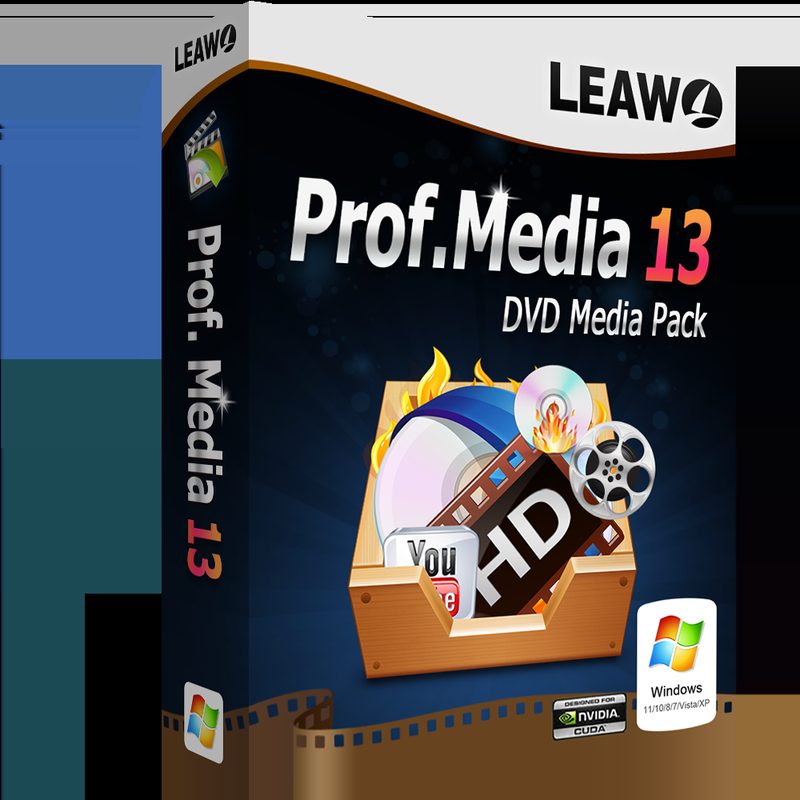
Leawo DVD Ripper costs $39.95 for a lifetime license, making it the cheapest paid ripper here. It converts DVD discs, folders and ISO images to more than 180 formats, including MP4, MKV, AVI and audio-only MP3 or FLAC, with batch conversion, a choice of subtitle and audio tracks, and NVIDIA, AMD and Intel GPU acceleration. Leawo claims 6x faster ripping than rival tools, though it publishes no benchmark.
It is now delivered as a module inside Leawo Prof. Media 13, Leawo’s all-in-one media suite, so you install the larger suite and activate the parts you pay for. That makes it easy to add the Leawo Blu-ray Ripper later; the Blu-ray bundle costs $99.95 lifetime. Version 13.0.1.6 was released in October 2026, and it runs on Windows 7 to 11 and macOS.
Two things to know. Leawo’s site openly advertises decrypting copy-protected DVDs, which is restricted in the US (see above). And its refund window is short: 14 days for the lifetime license and just 5 days for the yearly plan. We did not find an independent professional review of the current version.
Pros
- Lifetime license for $39.95
- 180+ output formats with batch conversion
- GPU acceleration
- Upgrade path to Blu-ray ripping
- Windows and Mac
Cons
- Installs as part of a large suite
- Short 5-14 day refund window
- No independent review of the current version
3. AVS4YOU (AVS Video Converter) — Best for Home Videos
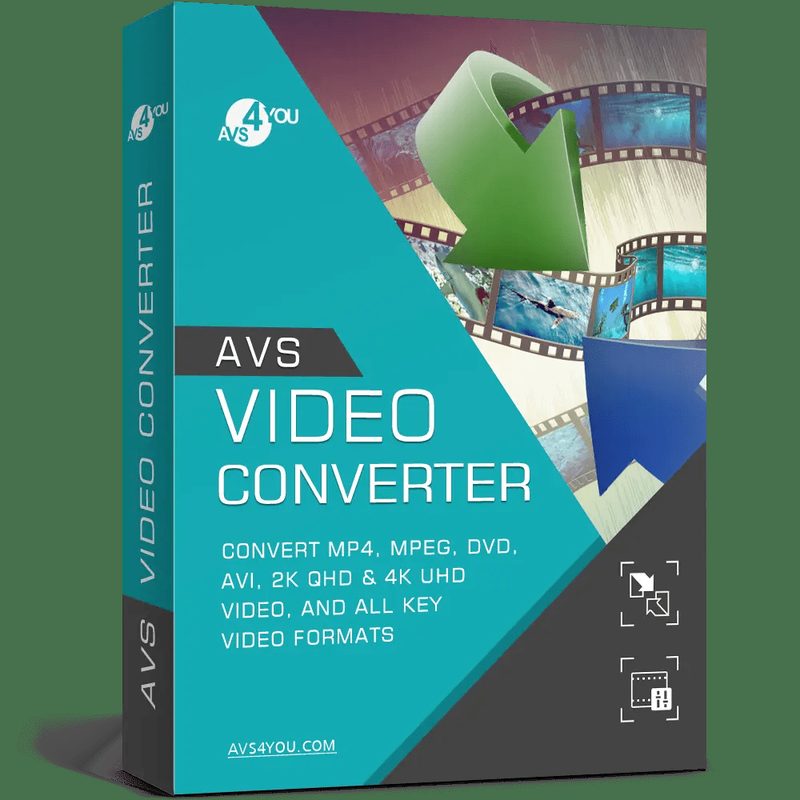
If the discs you want to preserve are your own home videos — camcorder DVDs, wedding videos, school recitals — AVS4YOU is worth a look, because it is a complete video toolkit rather than just a ripper. AVS Video Converter opens a DVD’s VIDEO_TS folder and converts it to MP4 and more than 150 other formats, and it can split a home DVD into separate files by chapter. The same suite includes AVS Video Editor for trimming and enhancing the footage, plus tools for burning new DVDs and Blu-ray discs with menus.
It is not a ripper for commercial discs: AVS4YOU states clearly that its programs do not copy protected material. It runs on Windows only. Pricing covers the whole five-program suite: $149 a year or $279 for an unlimited license at list price, but AVS4YOU runs frequent promotions — in October 2026 the suite was $49 for a year or $79 for unlimited access. Each license covers one PC, and there is a 30-day money-back guarantee. AVS4YOU is made by Ascensio System, based in Riga, Latvia.
Pros
- Complete suite: convert, edit and burn
- Splits home DVDs into separate files by chapter
- 150+ output formats
- Frequent large discounts
- 30-day money-back guarantee
Cons
- Doesn’t handle copy-protected discs
- Windows only
- No dedicated one-click ripping mode
4. HandBrake — Best Free Converter
HandBrake is the free, open-source video converter that many people start with, and TechRadar named it the best free DVD ripper overall. It converts DVDs, Blu-ray discs and video files to MP4, MKV or WebM using modern encoders including H.264, H.265 and AV1, with optional hardware-accelerated encoding, device presets and a batch queue. It runs on Windows (including ARM), macOS and Linux, with no account, ads or watermarks. Version 1.11.2 came out in June 2026.
The catch is that HandBrake officially works only with discs that have no copy protection, so it is ideal for home-made DVDs but will not open most commercial movies. Its many settings also take more learning than the one-click paid tools. Download it only from handbrake.fr, GitHub or Flathub, which the project lists as its only official sources.
Pros
- Completely free and open source
- Modern encoders including H.265 and AV1
- Windows, Mac and Linux
- No ads or watermarks
Cons
- Unprotected discs only
- Steeper learning curve
- Slower than GPU-optimized paid rippers
5. MakeMKV — Best for Lossless Copies
MakeMKV takes a different approach: instead of compressing a disc, it copies the video, every audio track, subtitles and chapters into an MKV file without changing them, as fast as your drive can read. That gives you a perfect-quality archive, which is ideal if you run a home media server such as Plex or Jellyfin, at the cost of much larger files. Ripping DVDs is free, and Blu-ray support is a 30-day trial, then requires a registration key (all features are currently free during its long-running beta).
It outputs only MKV, with no device presets, so many people pair it with HandBrake to compress the result. Version 2.0.0 was released in September 2026 for Windows, macOS and Linux. Like Leawo, its site advertises reading protected discs, so the legal caution above applies.
Pros
- Lossless copies with all tracks and chapters
- Free for DVDs
- Very fast, no re-encoding
- Windows, Mac and Linux
Cons
- Large files
- MKV output only
- Blu-ray support requires a key after the trial
Side-by-Side Comparison
| WinX DVD Ripper Platinum | Leawo DVD Ripper | AVS Video Converter | HandBrake | MakeMKV | |
|---|---|---|---|---|---|
| Price | $59.95 lifetime / $39.95 yr | $39.95 lifetime / $29.95 yr | Suite from $49/yr (promo) | Free | Free for DVD |
| Platforms | Windows, Mac | Windows, Mac | Windows | Windows, Mac, Linux | Windows, Mac, Linux |
| Output | 300+ formats | 180+ formats | 150+ formats | MP4, MKV, WebM | MKV only |
| GPU acceleration | Yes | Yes | Decoding | Optional encoding | Not needed |
| Blu-ray | No | Separate module | Burn only | Unprotected only | Yes (trial, then key) |
| Free trial | First 5 minutes | Yes | Free converter | Free | Free |
| Money-back | 30 days | 5-14 days | 30 days | n/a | n/a |
How to Choose a DVD Ripper
Decide between compressed files and perfect copies. Converters like WinX, Leawo, AVS and HandBrake shrink a DVD to an MP4 of 1 to 2 GB that plays anywhere. MakeMKV keeps everything at full quality in a larger MKV, best for a media server.
Pay for speed and convenience. If you have a large collection, GPU acceleration and automatic title detection in a paid ripper save hours. For a handful of home discs, HandBrake is enough.
Check the license terms. WinX and Leawo offer lifetime licenses; note that Leawo’s lifetime license covers one PC and has a 14-day refund window, while WinX’s one-year plan covers three PCs.
Consider Blu-ray. None of the DVD-only tools handle Blu-ray; Leawo sells a Blu-ray module and MakeMKV supports Blu-ray as shareware.
Stay legal. Rip only discs you own, for personal use, and check the copy-protection rules where you live.
Frequently Asked Questions
Is it legal to rip a DVD you own?
Copying an unprotected or home-made DVD you own for personal use is generally accepted. In the US, however, the DMCA (17 U.S.C. § 1201) makes it unlawful to circumvent copy protection such as the CSS used on most commercial movie DVDs, apart from narrow exemptions. Laws differ by country; check your local rules. This is not legal advice.
What is the best free DVD ripper?
HandBrake is the best free DVD ripper for unprotected discs: it is open source, runs on Windows, Mac and Linux, and converts to MP4, MKV and WebM with modern encoders. MakeMKV is free for DVDs if you want a lossless MKV copy.
Is WinX DVD Ripper Platinum worth it?
If you have many DVDs to convert, yes: its GPU acceleration can convert a full movie in about five minutes on a modern PC, it has 300+ output profiles and simple one-click ripping, and the lifetime license is $59.95 with a 30-day money-back guarantee. The free trial only converts the first five minutes of each disc.
What format should I rip DVDs to?
MP4 with H.264 plays on virtually every device and is the safest choice. H.265 (HEVC) gives smaller files at similar quality on newer devices. MKV is best if you want to keep multiple audio and subtitle tracks, for example for a Plex or Jellyfin media server.
Can these programs rip Blu-ray discs?
WinX DVD Ripper Platinum and AVS Video Converter do not rip Blu-ray. Leawo sells a separate Blu-ray Ripper module, HandBrake handles only unprotected Blu-ray discs, and MakeMKV supports Blu-ray as a shareware feature.
How long does it take to rip a DVD?
It depends on the software and your PC. With GPU acceleration, WinX says a full movie takes about five minutes; without hardware acceleration, conversions typically take 20 to 30 minutes or more. MakeMKV copies as fast as your drive can read the disc.
Final Verdict
WinX DVD Ripper Platinum is the best DVD ripper for most people. It is fast, simple and flexible, with GPU acceleration, hundreds of output profiles and a $59.95 lifetime license backed by a 30-day guarantee.
Choose Leawo DVD Ripper for the cheapest lifetime license and a path to Blu-ray, AVS4YOU if you want to edit and re-burn your home videos too, HandBrake if you only need to convert a few unprotected discs for free, and MakeMKV for perfect-quality copies for a media server. Whichever you use, rip only discs you own and respect your local copyright law.
For more ways to improve your photos and videos, see our Aiarty Image Enhancer review, from the same company as WinX.