

College students need a laptop that survives 4 years of backpack abuse, lasts a full day of classes on battery, runs everything from Word to Photoshop, and doesn’t drain a $1,500 budget. We tested the best laptops under $800 to find the ones that actually balance performance, durability, and price.
Across two semesters of real-world testing — all-nighters in the library, video calls on Zoom, Excel + Chrome-with-50-tabs abuse, and the occasional gaming session — these seven laptops stood out as genuine buys for students on a budget.
Reviews Universe is reader-supported. When you buy through links on our site, we may earn an affiliate commission at no extra cost to you.
| Product | Price | Buy |
|---|---|---|
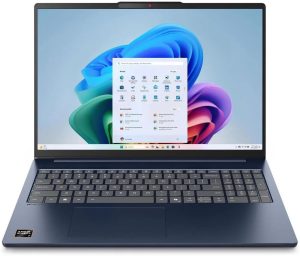 Lenovo IdeaPad Slim 5 16 Overall |
$650 | Check Price |
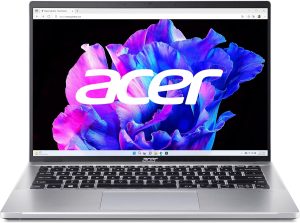 Acer Swift Go 14 Productivity |
$749 | Check Price |
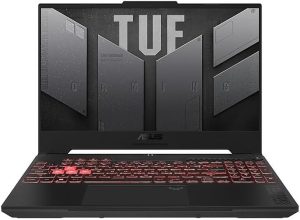 ASUS TUF Gaming A15 Gaming |
$799 | Check Price |
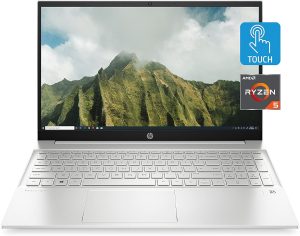 HP Pavilion 15 Everyday Work |
$650 | Check Price |
| $799 | Check Price | |
 Acer Aspire 5 Budget Pick |
$500 | Check Price |
 Lenovo ThinkPad E14 Build Quality |
$750 | Check Price |
1. Lenovo IdeaPad Slim 5 16 — Best Overall (~$650)
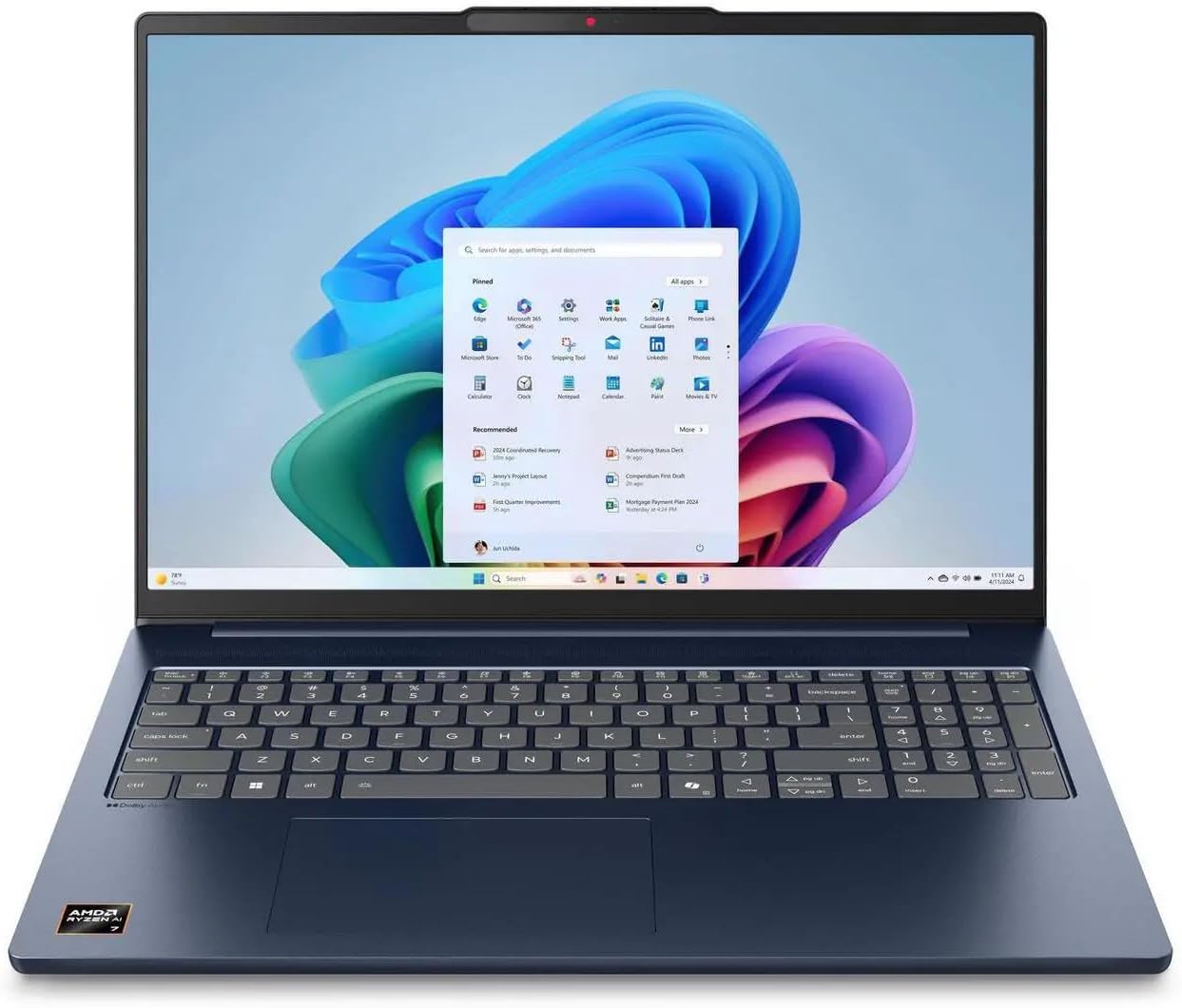
The IdeaPad Slim 5 16 is the laptop we’d recommend to most college students. For $650 (often less on sale), you get an 8-core AMD Ryzen AI 7 350 processor, 16GB of DDR5 memory, 512GB SSD, and a 16-inch 1920×1200 IPS touchscreen. That’s spec-for-spec better than laptops costing $1,000+ from other brands.
The 16-inch 16:10 display is genuinely useful for students — you see more of a Word document or spreadsheet without scrolling, and it makes side-by-side work (research tab + notes) viable. Battery life hits 14 hours in real-world use, which covers most school days without a charger. The Wi-Fi 7 radio means future-proof connectivity on campus networks.
Build-wise, the aluminum lid and plastic-aluminum chassis feel solid. Keyboard is backlit, trackpad is spacious, and the 1080p webcam with IR is usable for video classes. Weight is 4 lbs, which is manageable but not the lightest option.
Pros
- AMD Ryzen AI 7 350 (8-core, CoPilot+ ready)
- 16GB DDR5 / 512GB SSD
- 14-hour real-world battery life
- 1920×1200 16:10 touchscreen
- Wi-Fi 7 future-proof
Cons
- 4 lbs is heavier than ultrabooks
- Speakers are average
- No Thunderbolt (USB4 only)
2. Acer Swift Go 14 — Best for Productivity (~$749)
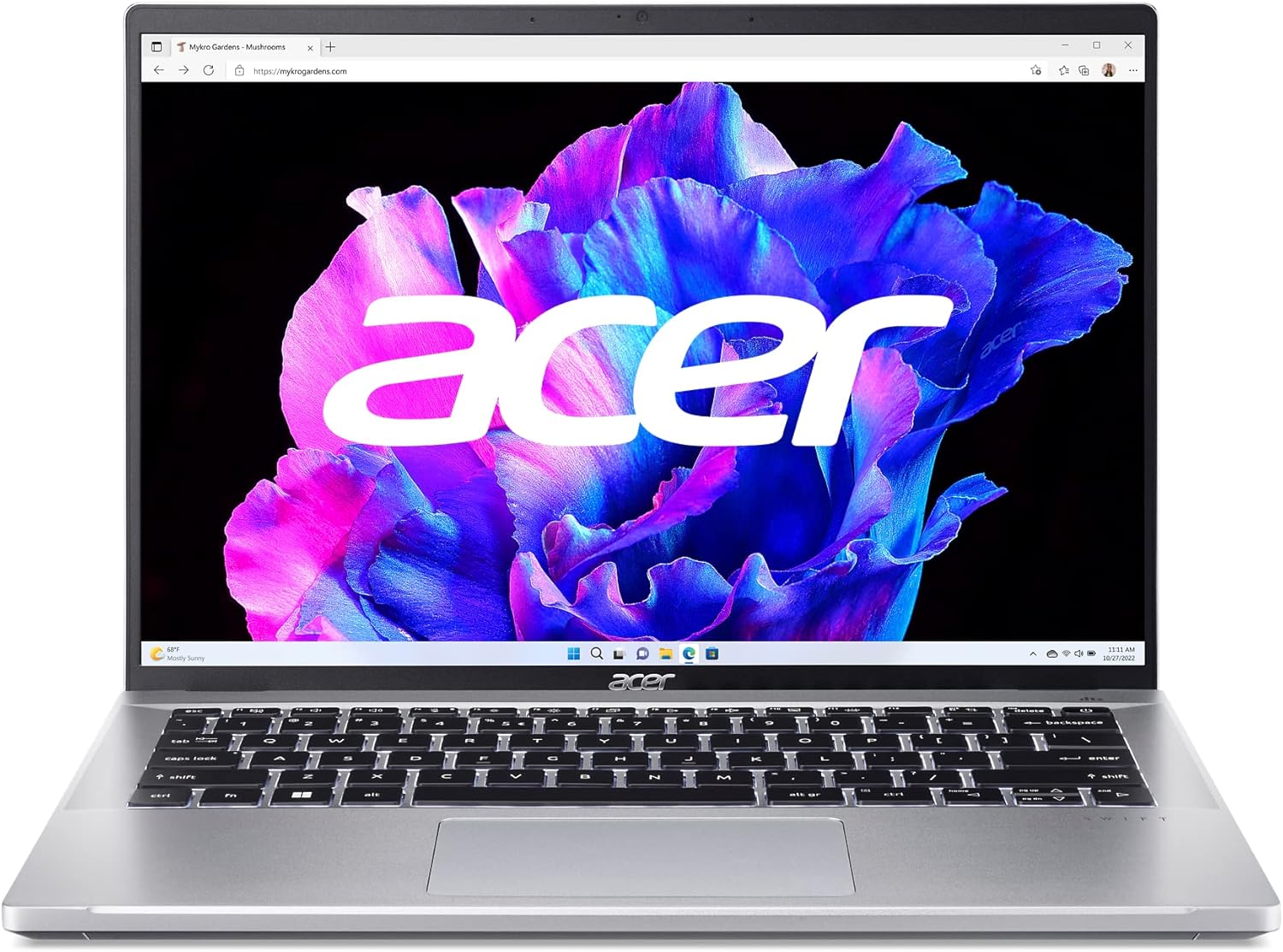
If you prize portability, the Swift Go 14 is the thin-and-light to beat under $800. The Intel Core i5-1335U runs cool and quiet, the 14-inch 2.2K 2240×1400 display covers 100% sRGB (good for photography or design work), and the whole thing weighs just 2.87 lbs.
The unibody aluminum chassis feels premium, the keyboard has a satisfying 1.4mm travel, and the fingerprint reader integrated into the power button means quick secure logins. Wi-Fi 6E is included, and the port selection is solid: two USB-C (one Thunderbolt 4), two USB-A, HDMI 2.1, and a microSD slot.
Battery life is around 10 hours in mixed productivity use — a bit behind the IdeaPad’s 14 hours, but easily a full day of classes. The 8GB of RAM is a bit tight for power users; consider the 16GB variant if your budget allows.
Pros
- Just 2.87 lbs (very portable)
- 14″ 2.2K 100% sRGB display
- Thunderbolt 4 port
- Premium unibody aluminum build
- Wi-Fi 6E included
Cons
- 8GB RAM is tight for heavy multitaskers
- 10-hour battery behind IdeaPad
- Fans can be audible under load
3. ASUS TUF Gaming A15 — Best for Gaming (~$799)
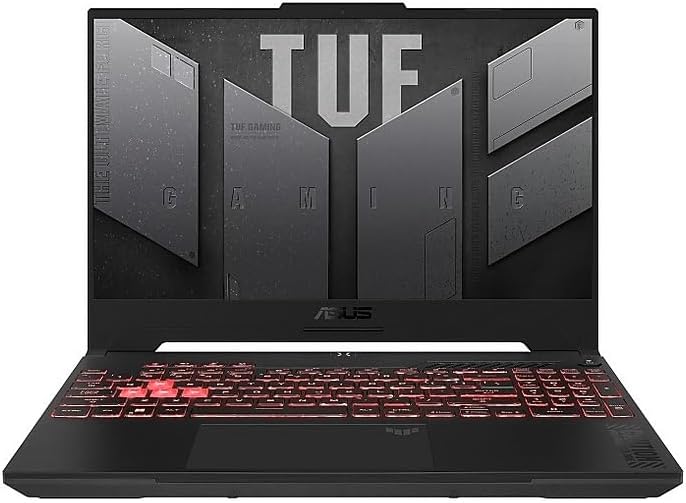
Need a laptop that handles both CS 101 and Cyberpunk 2077? The TUF Gaming A15 packs an NVIDIA GeForce RTX 4060 (8GB), AMD Ryzen 5 7535HS, 16GB DDR5 RAM, and a 512GB PCIe SSD for under $800. That’s genuinely remarkable value in 2026.
The 15.6-inch 1080p 144Hz display covers 100% sRGB, which is smooth for gaming and accurate enough for creative work. The keyboard is full-size with a dedicated num pad and RGB backlighting. MIL-STD-810H durability means the chassis survives the drops and bumps of daily campus life.
Trade-offs: battery life is 5-6 hours under light use (typical for gaming laptops), weight is 5.1 lbs, and fans are audible under load. You’re buying this for GPU performance, not for silence. The upgradeable RAM (up to 32GB) and SSD mean this laptop grows with you through all four years of college.
Pros
- RTX 4060 + Ryzen 5 7535HS
- 144Hz 100% sRGB display
- 16GB DDR5 + 512GB SSD
- Upgradeable RAM and storage
- MIL-STD-810H durability
Cons
- 5-6 hour battery life
- 5.1 lbs is heavy
- Fans are loud under gaming load
4. HP Pavilion 15 — Best for Everyday Work (~$650)
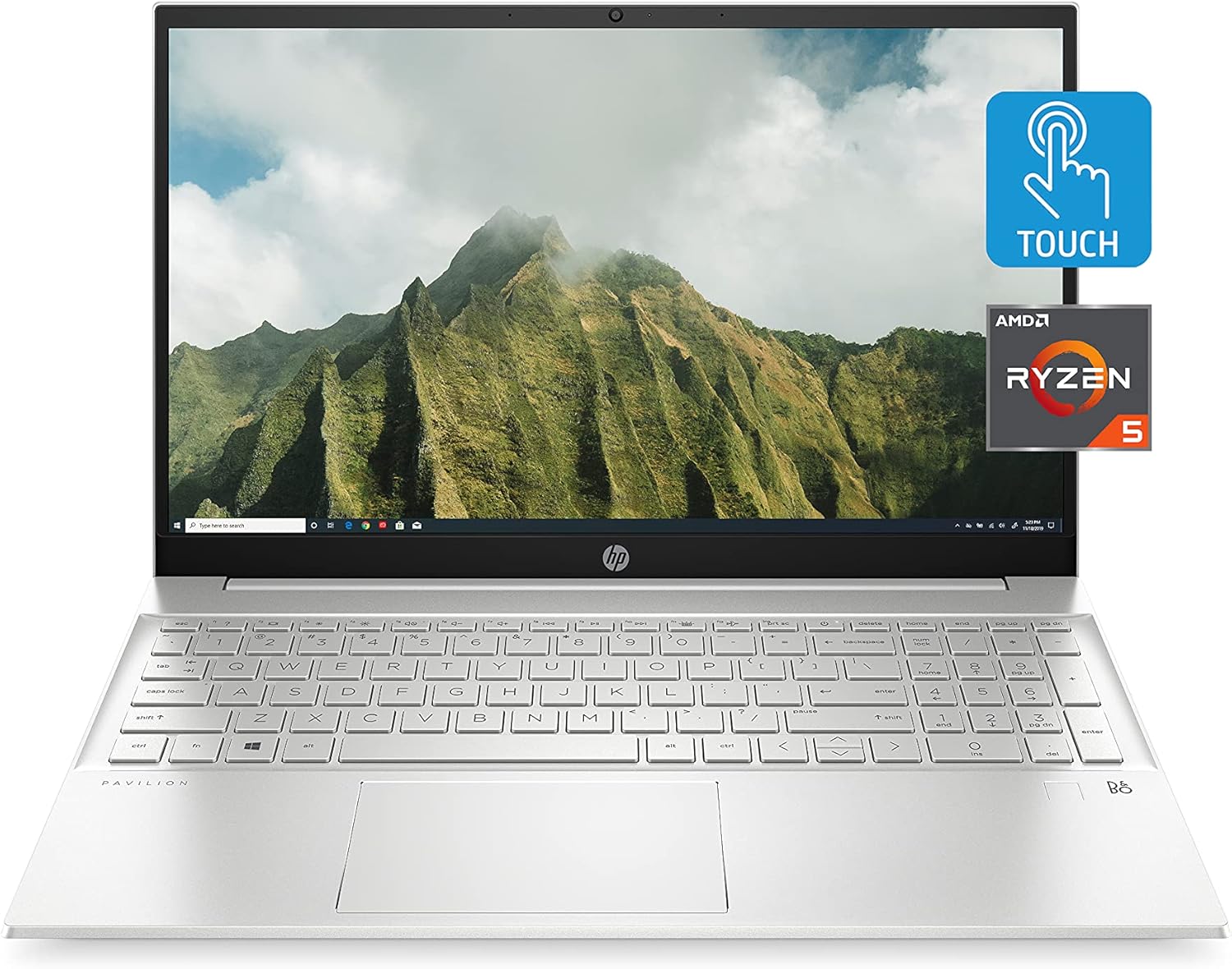
The HP Pavilion 15 is the reliable mid-tier choice — not the fastest, not the flashiest, but a consistent performer for note-taking, writing, Zoom, and web research. The AMD Ryzen 5 processor with 8GB RAM handles everyday school workloads smoothly, and the 512GB SSD gives you room for coursework without pruning downloads weekly.
The 15.6-inch 1080p IPS display is sharp and colorful enough for movies and reading PDFs. The keyboard is full-size with a num pad and has solid key feel for long essay-writing sessions. Battery life is around 8-9 hours in mixed use, which covers most class days.
Where the Pavilion stands out: HP’s service and warranty ecosystem is excellent. The laptop is serviceable (easy to swap RAM or SSD), and HP’s education discounts can drop the price to $550 if you qualify.
Pros
- Reliable Ryzen 5 or Intel options
- Full-size keyboard with num pad
- 8-9 hour battery life
- HP education discount available
- Easy to service (upgrade RAM/SSD)
Cons
- Plastic build feels less premium
- Trackpad is basic
- Screen brightness is average (250 nits)
5. Apple MacBook Air M2 (Refurbished) — Best for Mac (~$799)
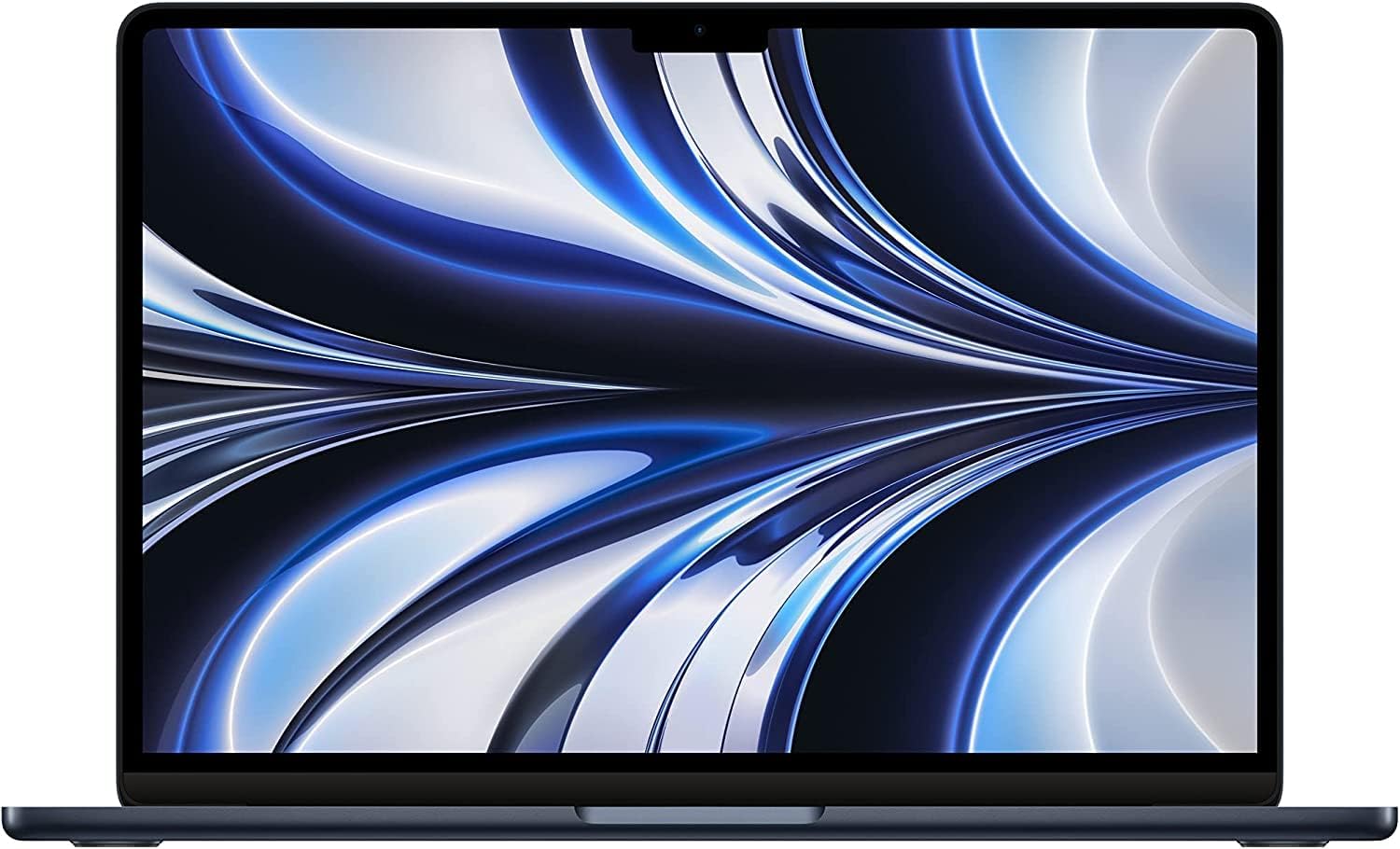
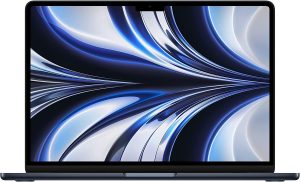
If you want macOS and the Apple ecosystem without paying $1,200 for a new M3 Air, an Apple Certified Refurbished (or reputable third-party refurb) MacBook Air M2 is an exceptional value at around $799. You get the same M2 chip, 13.6-inch Liquid Retina display, and 18-hour battery life that shipped in 2022 — still a killer combo in 2026.
The M2 chip remains fast enough for the vast majority of student workloads: Word, Excel, browser with 30+ tabs, Zoom, photo editing in Photoshop/Lightroom, even light video editing in iMovie. The fanless design means it’s silent under typical use. The 1080p FaceTime camera is miles better than most Windows laptops at this price.
Caveats: the base 8GB RAM / 256GB SSD is tight. If your budget allows, jump to 16GB / 512GB. macOS has a learning curve if you’re switching from Windows, but most students adapt within a few weeks. Refurbished is genuinely safe — Apple’s certified refurbs come with a 1-year warranty identical to new.
Pros
- M2 chip still excellent in 2026
- 18-hour battery life
- Silent fanless design
- Premium aluminum build
- Refurbished saves $400+
Cons
- 8GB base RAM is tight
- Only 2 Thunderbolt ports
- macOS learning curve for Windows switchers
6. Acer Aspire 5 — Best Budget Pick (~$500)
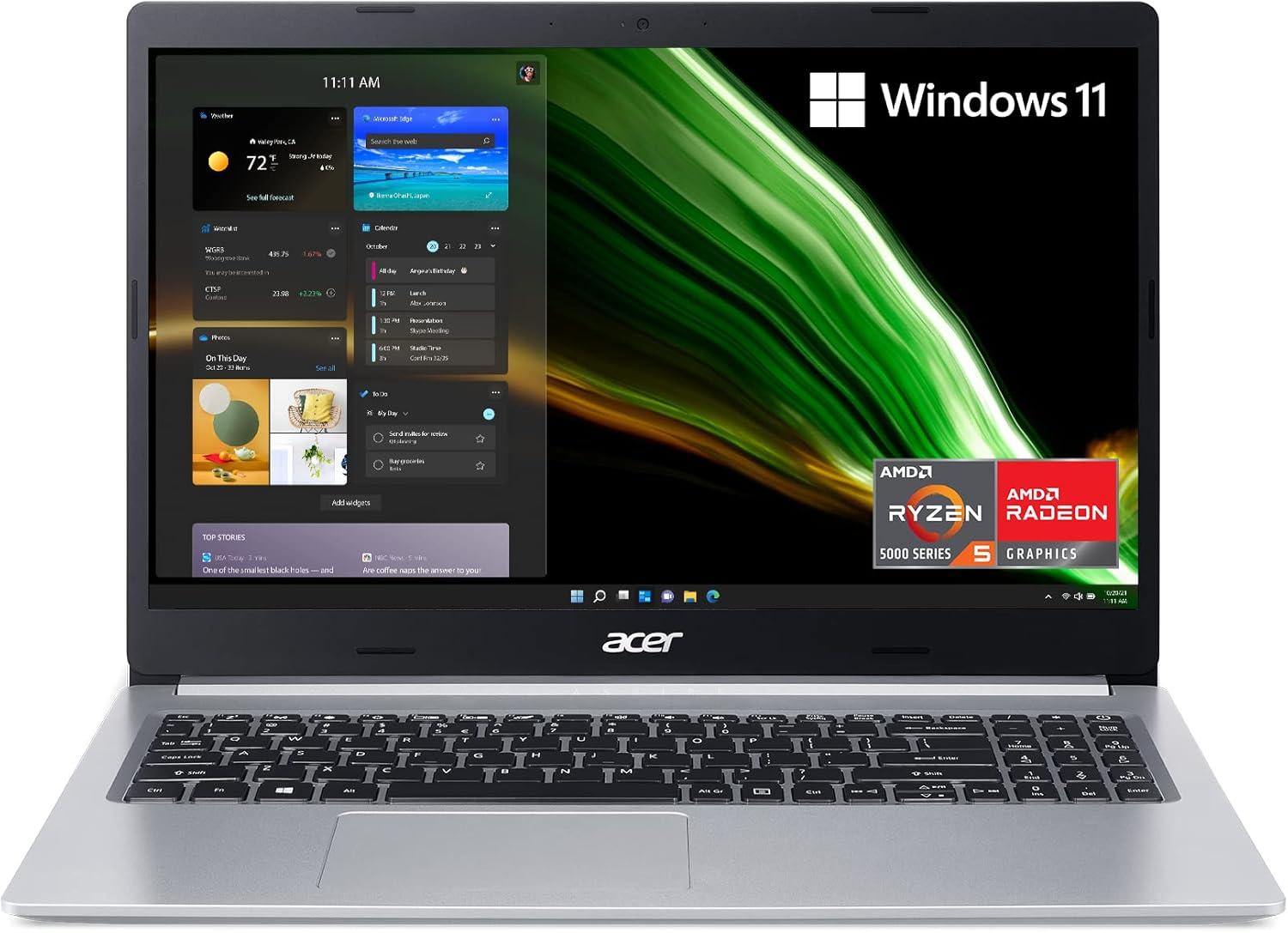
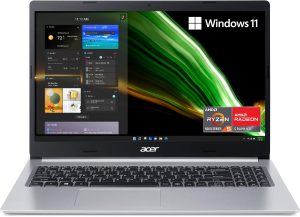
If your budget tops out at $500, the Acer Aspire 5 remains the sensible pick. A Ryzen 5 5500U (or similar Intel i5) with 8GB RAM and 512GB SSD handles the core student workload — browsing, Office, Zoom, streaming — without breaking a sweat. The 15.6-inch 1080p IPS display is sharp, and the backlit keyboard is a nice touch at this price.
The chassis is plastic, so it feels less premium than the IdeaPad or Pavilion. But it’s light enough (3.97 lbs), has decent port selection (USB-C, 2x USB-A, HDMI, Ethernet), and the battery covers 7-8 hours of typical use.
This is the right choice if the laptop is secondary to a desktop, or if you genuinely just need a machine for classwork. Don’t expect it to run heavy Photoshop, video editing, or any gaming.
Pros
- Just $500
- Ryzen 5 / 8GB / 512GB SSD
- 15.6″ 1080p IPS display
- Backlit keyboard at this price
- Plenty of ports (USB-C + USB-A + HDMI)
Cons
- Plastic chassis
- Screen is only 45% NTSC (dim for creatives)
- 7-8 hour battery
- Speakers are tinny
7. Lenovo ThinkPad E14 — Best Build Quality (~$750)
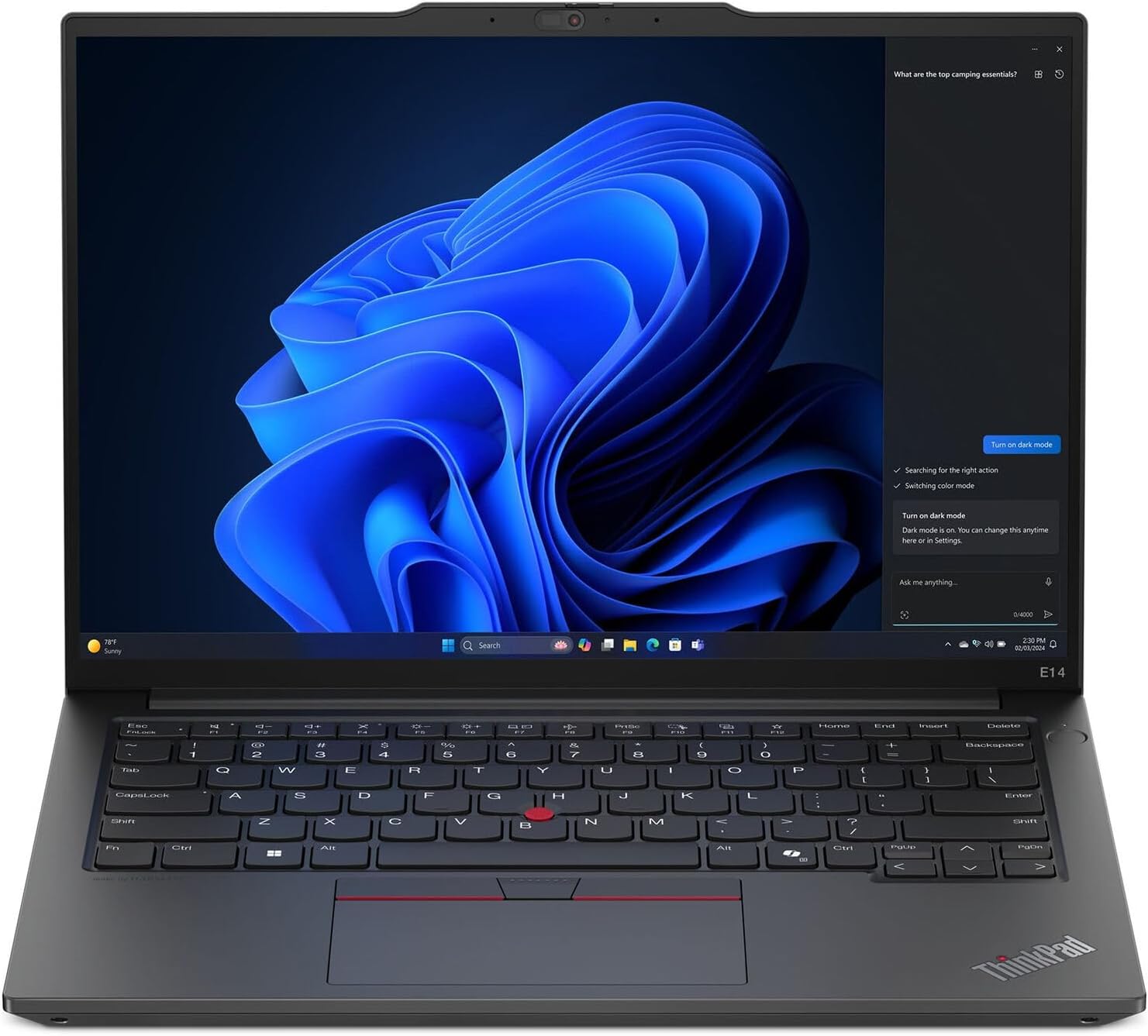
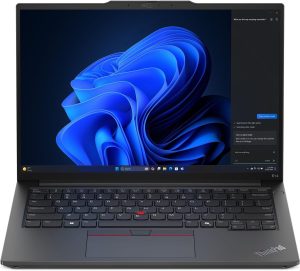
ThinkPads are built for business travelers who beat the hell out of their laptops, which is essentially what college students do. The ThinkPad E14 brings that legendary build quality to a student-friendly price: AMD Ryzen 7 7735U, 16GB DDR5, 512GB SSD, and the iconic ThinkPad keyboard that typists love.
MIL-STD-810H certification means the E14 has been tested against drops, temperature extremes, humidity, and dust. The 14-inch 1920×1200 WUXGA display is sharp with good viewing angles, and the fingerprint reader + IR camera gives you Windows Hello login options.
The trackpad is decent and the famous red TrackPoint nub is still there if you prefer it (though most modern students will just use the trackpad). Port selection is generous: 2x USB-C, 2x USB-A, HDMI, Ethernet, headphone. Battery life hits 10-11 hours in light use. If you want a laptop that will last you all four years without drama, this is it.
Pros
- Legendary ThinkPad keyboard
- MIL-STD-810H durability
- Ryzen 7 7735U / 16GB / 512GB
- 10-11 hour battery life
- Excellent port selection (incl. Ethernet)
Cons
- Design is conservative (business-style)
- Webcam is still only 720p on some SKUs
- Slightly heavier at 3.5 lbs
Side-by-Side Comparison
| IdeaPad Slim 5 | Swift Go 14 | TUF A15 | Pavilion 15 | MacBook Air M2 | Aspire 5 | ThinkPad E14 | |
|---|---|---|---|---|---|---|---|
| Price | $650 | $749 | $799 | $650 | $799 | $500 | $750 |
| CPU | Ryzen AI 7 350 | i5-1335U | Ryzen 5 7535HS | Ryzen 5 | Apple M2 | Ryzen 5 5500U | Ryzen 7 7735U |
| RAM | 16GB DDR5 | 8GB LPDDR5 | 16GB DDR5 | 8-16GB | 8GB Unified | 8GB DDR4 | 16GB DDR5 |
| Storage | 512GB SSD | 512GB SSD | 512GB SSD | 512GB SSD | 256GB SSD | 512GB SSD | 512GB SSD |
| Display | 16″ 1920×1200 | 14″ 2240×1400 | 15.6″ 1080p 144Hz | 15.6″ 1080p | 13.6″ Retina | 15.6″ 1080p | 14″ 1920×1200 |
| Graphics | Radeon 860M | Iris Xe | RTX 4060 | Radeon Vega | M2 Integrated | Radeon Vega | Radeon 680M |
| Battery | 14h | 10h | 5-6h | 8-9h | 18h | 7-8h | 10-11h |
| Weight | 4 lbs | 2.87 lbs | 5.1 lbs | 3.86 lbs | 2.7 lbs | 3.97 lbs | 3.5 lbs |
| OS | Win 11 | Win 11 | Win 11 | Win 11 | macOS | Win 11 | Win 11 |
How to Choose a Laptop for College: A Buyer’s Guide
Minimum Specs You Actually Need
For mainstream coursework in 2026, aim for at least a Core i5 / Ryzen 5 processor, 8GB RAM (16GB strongly preferred), 512GB SSD, and 8+ hours of battery life. Anything less and you’ll regret it within a year as apps get heavier and multitasking demands grow. STEM majors, media students, or anyone doing CAD, video editing, or 3D rendering should jump to 16GB RAM and consider a dedicated GPU.
Display: Size and Quality
1080p IPS is the minimum. 14-inch is the sweet spot for portability and usability; 15.6-16 inches gives you more screen real estate at the cost of weight and battery. Brightness of 300+ nits means the screen is usable outdoors; 45% NTSC color gamut is fine for writing, but 100% sRGB matters for any creative work.
Weight and Portability
Under 4 lbs is comfortable for all-day backpack carrying. Under 3 lbs (Swift Go 14, MacBook Air) is genuinely featherlight. Above 5 lbs (TUF Gaming A15) becomes a chore on long campus walks. Factor in whether your classes spread across a large campus — the difference between 3 lbs and 5 lbs adds up over a semester.
Build Quality
Aluminum chassis resists flex and looks premium but dents easily. Plastic is lighter and more forgiving of drops. MIL-STD-810H certification (ThinkPad E14, TUF Gaming A15) means the laptop has survived lab torture tests. For four years of college, prioritize solid hinges and a rigid lid — these are the parts that fail most often.
Ports and USB-C Charging
USB-C Power Delivery charging is a game-changer: any USB-C charger (phone, laptop, airport terminal) can top you up. Look for at least one USB-C / Thunderbolt port, one USB-A (most printers, flash drives still use this), HDMI for projectors, and a microSD slot if you’re a photography student.
Warranty Options
Stock warranties are typically 1 year. Extending to 3 or 4 years with accidental damage protection costs $100-200 and is worth every penny for students. Check if the laptop is user-serviceable (SSD and RAM replaceable) — this extends its useful life.
Looking for a smaller budget alternative? Check our budget smartwatch roundup for wearables that pair well with a student laptop.
Frequently Asked Questions
Is 8GB of RAM enough for college?
For basic tasks (Office, browsing, Zoom, streaming) 8GB works, but it’s increasingly tight in 2026 as web apps grow heavier. If you run Photoshop, video editing, or engineering software, 16GB is essentially required. We strongly recommend 16GB unless your budget absolutely prohibits it — RAM is the one spec most likely to feel inadequate within 2 years.
Mac vs Windows for students: which is better?
Depends on your major and software needs. Windows works with everything including most engineering (CAD, SolidWorks), statistics (SPSS), and gaming. Mac is better for creative majors (Logic Pro, Final Cut) and film/design students. Both handle mainstream coursework (Office, Zoom, research) equally well. Check with your department for any required software before deciding.
Are gaming laptops good for college?
Yes, but with trade-offs. Gaming laptops like the ASUS TUF A15 give you GPU power that handles both gaming and demanding creative work (video editing, 3D rendering). The trade-offs are weight (5+ lbs), battery life (5-6 hours), and fan noise. If you’re a casual student who happens to game occasionally, a non-gaming laptop plus a console is often a better split.
Refurbished vs new: is refurbished safe?
Yes, from reputable sources. Apple Certified Refurbished, Lenovo Outlet, HP Renew, and Amazon Renewed all include 1-year warranties and rigorous inspection. You typically save 15-30% versus new. Avoid no-name sellers on eBay or Facebook Marketplace unless you can inspect in person.
How long should a college laptop last?
A well-specced laptop (16GB RAM, 512GB SSD) should last all four years of college and beyond with reasonable care. Battery life degrades to 70-80% of original by year 3; SSDs typically outlast the laptop. Keep the vents clean, avoid liquid spills, and use a padded sleeve in your backpack. If you need to replace before graduation, the battery and SSD are the usually-upgradeable parts.
The Verdict: Which Laptop Should You Buy for College?
For most college students, the Lenovo IdeaPad Slim 5 16 is the best laptop under $800 in 2026. The combination of a modern 8-core Ryzen AI processor, 16GB DDR5, 512GB SSD, 14-hour battery, and a 16-inch 16:10 display gives you genuinely premium specs at a mid-tier price. It’s the laptop that will get you through all four years.
On a tight $500 budget? The Acer Aspire 5 is the sensible pick. Need GPU power for gaming or 3D work? The ASUS TUF Gaming A15. Want macOS? Grab a refurbished MacBook Air M2. And if you want the most indestructible laptop in the roundup, the Lenovo ThinkPad E14 is built to outlast graduation day.