
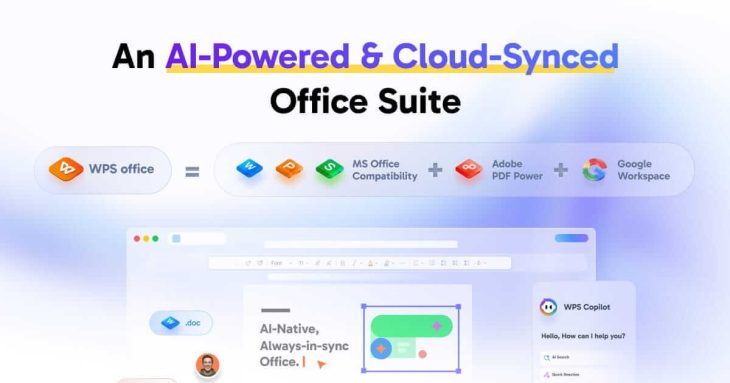
Microsoft 365 now costs $99.99 a year for one person, and plenty of people who just need to write documents, open spreadsheets and edit the occasional PDF are looking for something cheaper. WPS Office is one of the most popular alternatives: a free office suite with a word processor, spreadsheet, presentation app and PDF tools that opens Word, Excel and PowerPoint files, runs on Windows, Mac, Linux, Android and iOS, and claims more than 600 million monthly users. A Pro+ plan removes the ads and adds full PDF editing and AI tools for $69.99 a year. This review covers how good it is, what the free version lacks, and the privacy questions worth knowing about.
Reviews Universe is reader-supported. When you buy through links on our site, we may earn an affiliate commission at no extra cost to you.
The Short Version
Rating: 7.4/10
Best for: Students, home users and small offices who want a familiar, Microsoft-compatible suite for free or cheap
Price: Free with ads; Pro+ $69.99/year
Verdict: The most polished free alternative to Microsoft Office, with excellent file compatibility and a light footprint. The free version shows ads, the best PDF and AI tools cost extra, and its Chinese ownership and data practices will matter to some users.
What WPS Office Includes
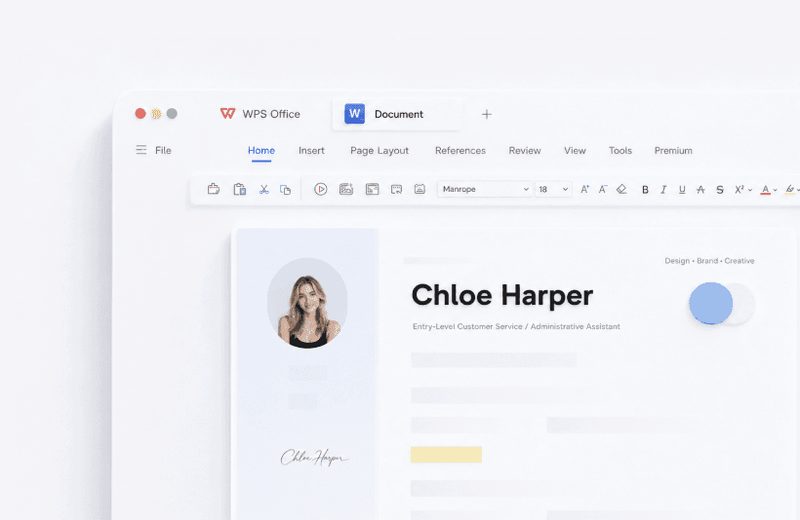
WPS Office bundles Writer (documents), Spreadsheet, Presentation, a PDF editor and a photo tool in a single, lightweight app, with tabs for open files much like a web browser. Its interface deliberately resembles Microsoft Office’s ribbon, so most people can start working without learning anything new, and it has a library of more than 100,000 templates. It works with doc, docx, xls, xlsx, ppt, pptx and PDF files and saves to WPS Cloud or Google Drive.
It is available on Windows (7 to 11), Mac (native on Apple Silicon), Linux, Android, iPhone, iPad and the web, and the Windows installer is tiny at about 5 MB. WPS Office is made by Kingsoft Office Software, a publicly listed Chinese company founded in 1988; international users are served by WPS Software Pte. Ltd. in Singapore.
WPS Office Specs
| WPS Office | |
|---|---|
| Apps | Writer, Spreadsheet, Presentation, PDF, Photo, WPS AI |
| Platforms | Windows, Mac, Linux, Android, iOS, iPad, web |
| Microsoft formats | doc/docx, xls/xlsx, ppt/pptx |
| Free version | Yes, with ads, 1 GB cloud, basic PDF |
| Pro+ | $69.99/year: no ads, 20 GB cloud, full PDF, OCR, AI tools |
| Devices per account | Up to 9 (3 PCs and 6 mobile devices) |
| Templates | 100,000+ (limited downloads on free) |
| Languages | 46 |
| Latest Mac version | 12.1.29181 (October 10, 2026) |
Microsoft Office Compatibility
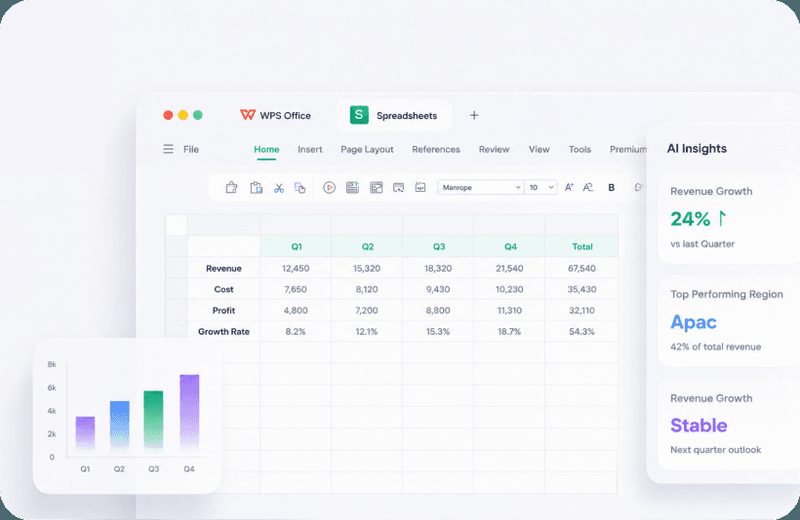
Compatibility is WPS Office’s biggest strength. It opens and saves Word, Excel and PowerPoint files directly rather than converting them, and for everyday documents — letters, reports, school assignments, budgets, slide decks — formatting generally comes through intact. TechRadar includes it among the best free office suites and best Microsoft Office alternatives, citing its support for Microsoft formats and its cross-platform apps.
Complex files are where gaps appear. G2 reviewers, who rate it 4.4 out of 5 overall, report that spreadsheets with advanced formulas, macros or PivotTables are not always rendered correctly, and some mention slowdowns with large files. Macro and VBA support is unclear — WPS’s own help pages contradict each other — so if you depend on Excel macros, test your files before switching.
PDF Tools and WPS AI
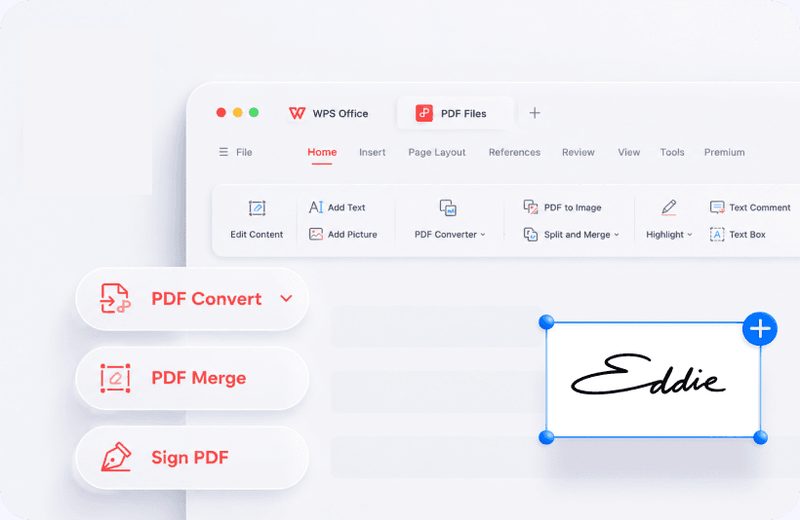
The free version reads PDFs and includes basic PDF features. Pro+ unlocks full PDF editing (text, images and links), conversion between PDF and Word, Excel, PowerPoint and images, OCR for scanned documents, and e-signatures — a set of tools that many people would otherwise buy separately.
WPS AI adds writing help, rewriting, summarizing, translation, chat with a PDF, AI-generated slides and data insights in spreadsheets. In Pro+ every AI tool has a daily usage limit; once you reach it, AI pauses until the next day, and WPS does not publish the limits. WPS warns users not to put personal data or business secrets into AI prompts, which is sensible advice for any AI tool.
Free vs Pro+: What You Get
| WPS Free | WPS Pro+ | |
|---|---|---|
| Price | $0 | $69.99/year (about $5.83/month) |
| Ads | Yes | No |
| Writer, Spreadsheet, Presentation | Yes | Yes |
| Reader and basic features | Full editing, conversion, OCR, e-signature | |
| Cloud storage | 1 GB | 20 GB |
| Templates | Limited downloads | Unlimited |
| AI tools | Limited | Daily usage limits |
For writing documents and working with spreadsheets, the free version is genuinely usable; the main annoyance is ads, which TechRadar and many users mention. Pro+ is worth it if you edit or convert PDFs regularly, want the AI tools or simply want an ad-free suite. A Sharing Plan costs $41.99 per user per year for two or more people. Prices apply to PC and Android; app-store prices on iPhone and Mac differ.
A caution on refunds: WPS’s pricing page shows a 30-day money-back guarantee badge, but its help center says subscriptions are generally not refundable except for faults or duplicate purchases. Subscriptions renew automatically. Use the free version first and read the terms before you buy.
Privacy and Trust
Because WPS Office comes from a Chinese company, privacy is a fair question. For international users the data controller is WPS Software Pte. Ltd. in Singapore, and the privacy policy (updated August 2025) says WPS has data centers in locations such as Singapore, France, Japan, the United States and India, choosing storage based on proximity to your region; it relies on EU standard contractual clauses for European data. The free version and mobile apps use advertising identifiers, as Apple’s App Store privacy label shows.
Two past episodes are worth knowing. In January 2021 a US executive order targeted WPS Office along with other Chinese apps; it was revoked in June 2021 before taking effect. In 2022 a Chinese user’s shared online document was locked over content rules, prompting concern; Kingsoft said it does not scan local files and that the action applied to a shared online document. No independent review we found documented misuse of user data. If you handle confidential business documents, keep files local or choose Microsoft 365 or LibreOffice.
WPS Office vs Microsoft 365, LibreOffice and Google Docs
| WPS Pro+ | Microsoft 365 Personal | LibreOffice | Google Docs | |
|---|---|---|---|---|
| Price | $69.99/yr (free version with ads) | $99.99/yr | Free, open source | Free with Google account |
| Cloud storage | 20 GB | 1 TB | None built in | Shared Google storage |
| Microsoft compatibility | Very good | Native | Good | Good |
| Works offline | Yes | Yes | Yes | Limited |
| AI tools | Yes, daily limits | Copilot, usage limits | No | Workspace plans |
Microsoft 365 is the safe choice for perfect compatibility and 1 TB of storage, for $30 more a year. LibreOffice is free, open source and ad-free, but looks less like Microsoft Office. Google Docs is best for real-time collaboration in a browser. WPS sits in between: the most Office-like free suite, with a cheap upgrade that adds strong PDF tools.
Pros and Cons
Pros
- Free, full office suite that looks like Microsoft Office
- Very good Word, Excel and PowerPoint compatibility
- Runs on Windows, Mac, Linux, Android and iOS
- Lightweight and fast to install
- Pro+ adds full PDF editing, OCR and e-signatures
- 100,000+ templates
Cons
- Ads in the free version
- Complex Excel files and macros can be unreliable
- AI tools have unpublished daily limits
- Conflicting refund terms
- Chinese ownership and data practices concern some users
Frequently Asked Questions
Is WPS Office really free?
Yes. WPS Office’s Standard version is free on Windows, Mac, Linux, Android and iOS, with Writer, Spreadsheet, Presentation and basic PDF features. It shows ads, includes 1 GB of cloud storage and limits template downloads. Pro+ removes ads and adds full PDF tools and AI for $69.99 per year.
Is WPS Office safe to use?
WPS Office is a widely used, legitimate application with a G2 rating of 4.4 out of 5. It is made by Chinese company Kingsoft; for international users data is controlled by its Singapore entity and stored in data centers such as Singapore, France, Japan, the US and India, according to its privacy policy. Users handling confidential documents may prefer to keep files local or use Microsoft 365 or LibreOffice.
Is WPS Office compatible with Microsoft Office?
Yes. WPS opens and saves doc, docx, xls, xlsx, ppt and pptx files directly, and everyday documents keep their formatting. Very complex spreadsheets with advanced formulas, macros or PivotTables may not display perfectly, so test important files.
How much is WPS Office Pro+?
WPS Pro+ costs $69.99 per year on wps.com (about $5.83 a month), with a Sharing Plan at $41.99 per user per year for two or more users. Prices in the Apple App Store and in some regions differ.
Is WPS Office better than LibreOffice?
WPS Office looks and works more like Microsoft Office and has stronger PDF tools and AI features, but its free version shows ads. LibreOffice is completely free, open source and ad-free, with less familiar menus. Choose WPS for familiarity, LibreOffice for openness and privacy.
Does WPS Office work on Mac?
Yes. WPS Office for Mac runs natively on Apple Silicon (M1 to M4) and Intel Macs. The latest Mac version at the time of writing was 12.1.29181, released October 10, 2026.
Final Verdict
WPS Office is the most polished free alternative to Microsoft Office. It looks familiar, handles Word, Excel and PowerPoint files well, runs on every major platform and costs nothing for everyday documents. Pro+ is a fair upgrade at $69.99 a year if you want an ad-free suite with full PDF editing, OCR and AI tools.
Rated 7.4 out of 10. The ads, unclear refund terms, imperfect handling of complex spreadsheets and its Chinese ownership keep it from a higher score. Try the free version with your own files; if it handles them well and the privacy trade-offs suit you, it can save you the cost of Microsoft 365.
If PDFs are your main job, compare it with our ABBYY FineReader PDF review, and for Excel power users see our Kutools for Excel review.